
Overview
Afropari login step by step: phone, email or ID
You need three things to open your account: a login, a password and a stable connection. Your login is the identifier you chose when you registered. Depending on how you signed up, this is your account ID, your email address or your phone number. We suggest you note which one you used on the first day.
On the main page, the LOG IN button sits next to REGISTRATION in the header. Click it and choose the option that matches your identifier. Enter the password and confirm. Type phone numbers in full, with the country code for Nigeria. Passwords are case sensitive, so check Caps Lock before you type.
After a successful Afropari login, you land on the main page with the full menu. Football and other sports sit next to live betting, casino and slots. If you do not have an account yet, our registration guide for Nigeria walks through each field. Once you are inside, the pre-match and live football markets and the casino lobby run from the same profile.
Tip: store your account ID in a password manager, not in a screenshot.
How it works
- 1
Open the official Afropari site or app and tap LOG IN in the header.
- 2
Choose your identifier: account ID, email or phone number.
- 3
Enter your password exactly as you set it, then confirm.
- 4
If the site asks for a code or a check, finish it before you leave the page.
- 5
Check your balance and profile details once you are logged in.
Logging in through the app and the mobile version
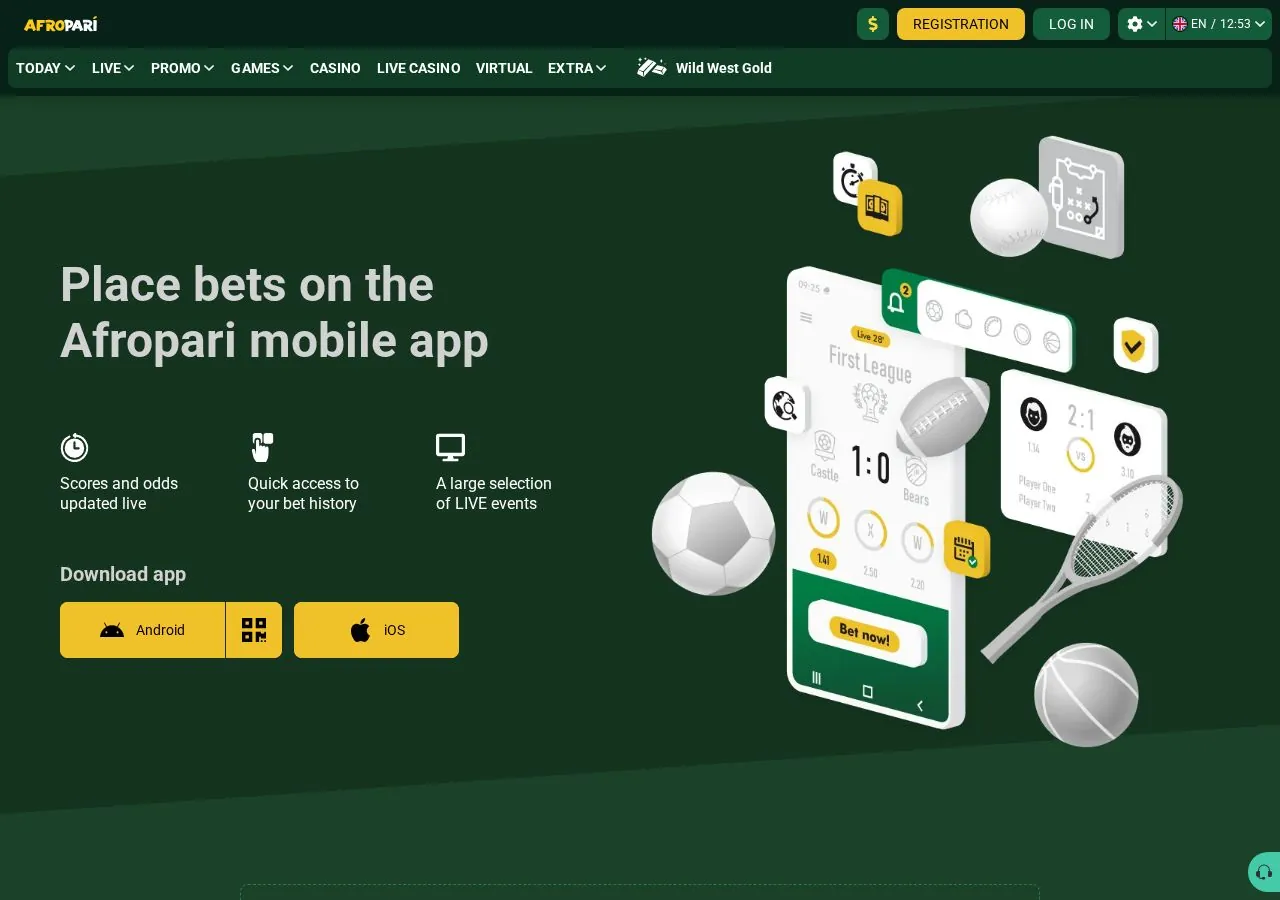
You can log in on a phone in two ways: through the app or through the mobile version in your browser. The Afropari mobile page lists app downloads for both Android and iOS. Both routes use the same details as desktop. You do not need a second account for the phone.
The mobile version needs no install. It suits older phones and anyone who is short on storage. The app keeps you signed in between sessions, which is faster on a personal device. Download Android files only from the official site. Many third-party pages promote APK files with bonus banners. They are not the operator, and a file from an unknown source is a risk to your login.
Our page on the Afropari app for Android and iOS covers installation in more detail. After you sign in, the slots and table games section loads in the same layout as on desktop.
Tip: on a shared phone, use the browser version and log out at the end of each session.
Forgot password: how account recovery works
A single link on the login form handles a lost password. Look for the password recovery option under the password field. The wording may vary slightly between the app and the site. Recovery goes through the email or phone number saved in your profile.
In practice, you enter that email or number and receive a code or a link. You then set a new password and log in with it. Codes usually expire after a short time, so use them right away. If you ask for several codes in a row, only the latest one may work.
Recovery fails when the saved contact is out of date. A lost SIM card or an old email address are typical cases. In that situation, the self-service route ends, and customer support has to confirm who you are. Keep your profile contacts current to avoid this.
Tip: when you set a new password, make it one you have never used on another site.
Login problems: blocked access, wrong data, verification
Most failed logins have one of three causes: wrong data, blocked access or a pending check. Wrong data comes first. Check that you picked the right identifier type. An ID entered in the email field will not work. Also check your keyboard language and Caps Lock.
Blocked access has two forms. Too many wrong attempts can lock the account for a while. Network-level blocks can also stop the site from loading. Avoid unofficial "mirror" links shared on social media. The official domain is afropari.com, and that is where your details should go.
Verification is the third cause. Like most operators, Afropari may ask for identity documents, especially before withdrawals. Until the check is complete, some actions may be paused. According to the website, the operator is IRIDIUM GROUP N.V., based in Willemstad, Curaçao. The site says it is licensed by the Curaçao Gaming Control Board under number OGL/2024/427/1022. These licence details refer to Curaçao, not to a Nigerian regulator, so weigh that yourself.
The payments page we checked lists XOF amounts, with a minimum of 300 XOF for MTN and Moov Money. It also shows a large crypto section. Look in the cashier to see which currency and methods your account offers in Nigeria. Our guide to deposits and withdrawals explains the cashier. Short answers to common account questions are in the FAQ for Nigerian players.
Tip: if the account is locked, wait before trying again rather than guessing more passwords.
Account security: passwords, logouts and shared devices
Two habits protect your account more than any setting: a unique password and logging out on shared devices. Aim for at least 12 characters and mix words, numbers and symbols. Never reuse your email password here. Never share your login with friends, agents or "tipsters".
On shared or public computers, do not let the browser save your password. Use the logout option before you close the tab. Public Wi-Fi is fine for browsing scores and today's fixtures. It is a poor choice for logins and payments. If the profile offers extra security options, turn them on.
Be careful with messages that ask for your details. Afropari is a new brand in 2026, and new brands attract copycat pages. Some offer a "bonus" in exchange for your password. Real promotions, including the welcome offer and promo code rules, are listed on our bonus and promo code page. The operator states that the casino bonus is up to 200%, up to 1500 EUR plus 150 FS. Check the conditions on the site before you deposit.
When to contact customer support
The site has a dedicated CUSTOMER SUPPORT section. Contact support if recovery fails, if your phone or email has changed, or if a verification check is stuck. Also reach out right away if you see activity you do not recognise. Have your account ID and your registration email or phone number ready. Reviews on Trustpilot describe the platform as built for African players. Read recent comments there for a view of how support handles cases.
Tip: write down the time and the error text before you contact support.
FAQ
What do I need for the Afropari login?
You need your account ID, email or phone number, plus your password. Use the identifier you chose when you registered.
Can I use the same account in the app and on desktop?
Yes. One set of details works on the site, the mobile version and the Android or iOS app.
What should I do if I forgot my password?
Use the password recovery link on the login form. A code or link is sent to the email or phone saved in your profile.
Why is my account blocked after several attempts?
Repeated wrong entries can lock access for a while. Wait, check your data, then try again or contact support.